

Frustrated that your shiny iPhone is stuck on LTE while your buddy’s phone is basking in the glory of 5G? You’re not alone. Many users find themselves in the same boat, scratching their heads and wondering why their device seems to be playing hard to get with that ultra-fast network. It’s like showing up to a party only to find out it’s a potluck—everyone else brought the good stuff, and you’re left with a bag of chips.
Understanding LTE and 5G
Many iPhone users experience confusion surrounding LTE and 5G networks. Understanding these two technologies clarifies why some devices connect to LTE instead of leveraging 5G.
What is LTE?
LTE stands for Long-Term Evolution. This technology represents a significant advancement over previous cellular network standards. It provides faster speeds and improved reliability for mobile data connections. Users often experience download speeds ranging from 5 to 100 Mbps with LTE. Many cellular providers widely deploy LTE, making it accessible in urban and rural areas.
What is 5G?
5G, or fifth generation, offers a major upgrade over its predecessors. This network provides enhanced speeds, lower latency, and increased capacity for connected devices. The technology supports download speeds that can exceed 1 Gbps in optimal conditions. New applications, including augmented reality and smart cities, rely on 5G capabilities. Availability can vary significantly depending on location and provider infrastructure.
Common Reasons for LTE Connection
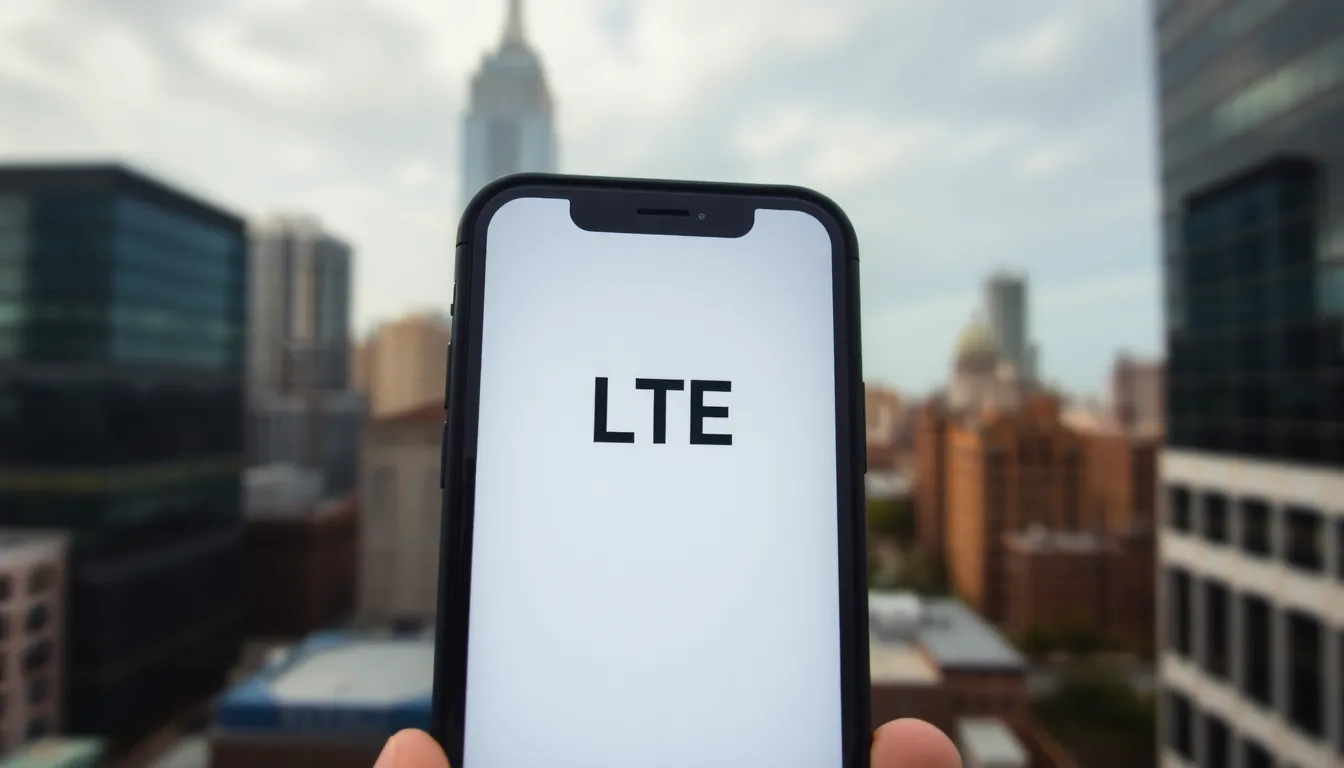
Several factors affect why an iPhone connects to LTE instead of 5G. Understanding these can help users troubleshoot connectivity issues.
Network Availability
Network availability plays a crucial role in determining connection type. 5G coverage isn’t universally available; it depends on specific areas and carrier infrastructure. Users in urban locations often experience better 5G access than those in rural regions. Carriers continuously expand their 5G networks; thus, checking coverage maps can provide insights into local availability. Real-time updates from the carrier’s app can also help users gauge network status.
Device Compatibility
Device compatibility affects whether 5G connections establish. Not all iPhone models support 5G, and verification of the specific model is essential. iPhone 12 and later models offer 5G capability; however, older models only connect to LTE. Settings on the device may also restrict connectivity; ensuring that 5G is enabled in the device’s cellular settings ensures optimal performance. Moreover, outdated software may prevent the device from accessing 5G networks, so keeping the software updated can make a significant difference.
Troubleshooting Steps
Here are some troubleshooting steps for resolving the issue of an iPhone displaying LTE instead of 5G.
Check Settings
First, check the device settings to ensure 5G is enabled. Navigate to Settings, then Cellular, and select Cellular Data Options. Confirm that “Voice and Data” is set to 5G. Additionally, verify network selection is set to automatic, allowing the device to connect to the best available network. Keep in mind that some carriers may require turning on 5G in their specific apps. If the settings appear correct, proceed to the next step.
Restart Your Device
Restarting the iPhone can resolve various connectivity issues. Hold down the power button until the slider appears, and then slide to power off. After the device fully shuts down, wait 30 seconds before powering it back on. This simple step can refresh the network connection, allowing the device to search for available 5G signals upon rebooting. After restarting, check for 5G connectivity again.
Update Carrier Settings
Updating carrier settings ensures the device has the latest configurations. To do this, go to Settings, then General, and select About. If an update is available, a prompt will appear. Follow the on-screen instructions to download and install the update. Carrier settings updates can enhance network performance and support new features. Once the update completes, revisit the network connection to see if the iPhone is now connected to 5G.
When to Contact Your Carrier
Contacting your carrier becomes necessary if troubleshooting steps don’t resolve the issue of connecting to LTE instead of 5G. Persistent problems may indicate a deeper issue within the network or the device itself.
Persistent Issues
If iPhone users consistently find themselves on LTE, they should examine their surrounding environment. Poor signal strength or infrastructure limitations can impede access to 5G. Checking coverage maps from the carrier can provide valuable insights into local availability. Some devices might not connect to 5G even if it’s available in their area. Thus, ensuring the iPhone model supports 5G is essential. Frequent LTE connections can also signal an underlying device issue, warranting further investigation.
Service Provider Limitations
Service providers play a crucial role in 5G availability across different regions. Some carriers might limit 5G access based on the user’s plan or location. Users must verify they are within a designated 5G coverage zone, as urban areas typically exhibit better service than rural regions. Checking with the carrier for any account-related restrictions can help clarify the connection problems. In cases where service hasn’t improved, reaching out to the carrier for technical support might be the next best step.
Experiencing LTE instead of 5G on an iPhone can be frustrating but understanding the factors at play can help users navigate this issue. Network availability device compatibility and carrier limitations all play significant roles in connectivity. By checking settings ensuring the device supports 5G and staying informed about local coverage users can improve their chances of accessing faster speeds. If problems persist contacting the carrier for support may provide additional solutions. With the continuous expansion of 5G networks it’s worth staying proactive to enjoy the benefits of this advanced technology.